
Managing BINs & Card Ranges
This guide explains how to create, edit, and manage BINs and Card Ranges in the Apata Portal.
All BINs are managed at the Organisation level, allowing control over which Financial Institutions have access.
BINs can be shared across all FIs, assigned to specific FIs, or restricted to a single FI.
Key Concepts
What is a BIN?
BIN (Bank Identification Number), also called IIN, is the first 6 or 8 digits of a payment card number. A 6-digit BIN represents up to 1 billion cards; an 8-digit BIN represents up to 10 million cards.
What is a Card Range?
A Card Range is a subdivision of a BIN. It allows more granular control-splitting BINs across multiple Financial Institutions. A Card Range can be as small as a single card or as large as a full BIN.
Apata treats BINs and Card Ranges identically-they are interchangeable.
Important: Even though BINs may be shared, the same PAN may only exist once in the entire Organisation. If a PAN is enrolled in one FI, it cannot be enrolled in another FI within the same organisation.
Adding a New BIN
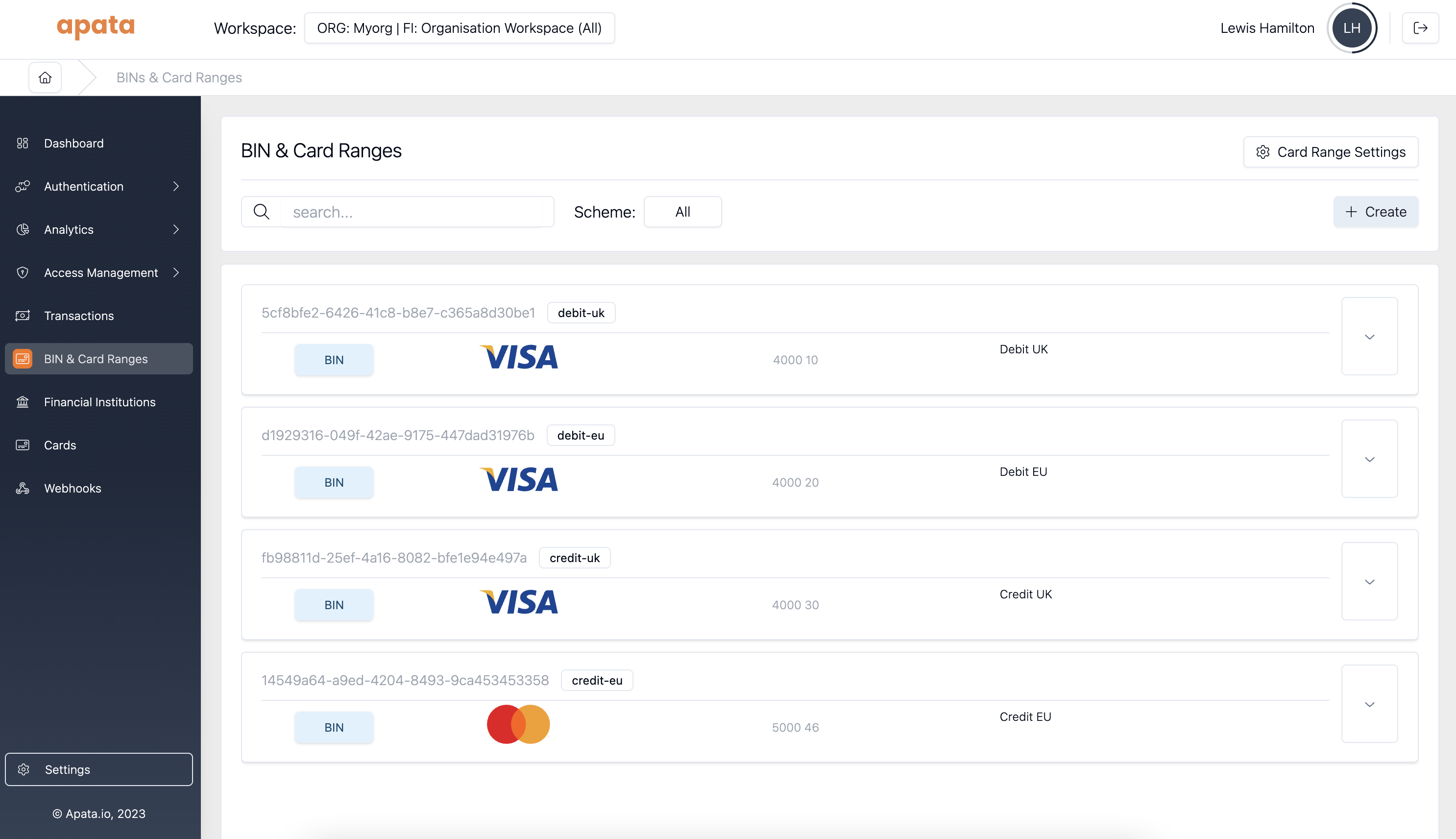
- Navigate to BINs & Card Ranges in the left menu
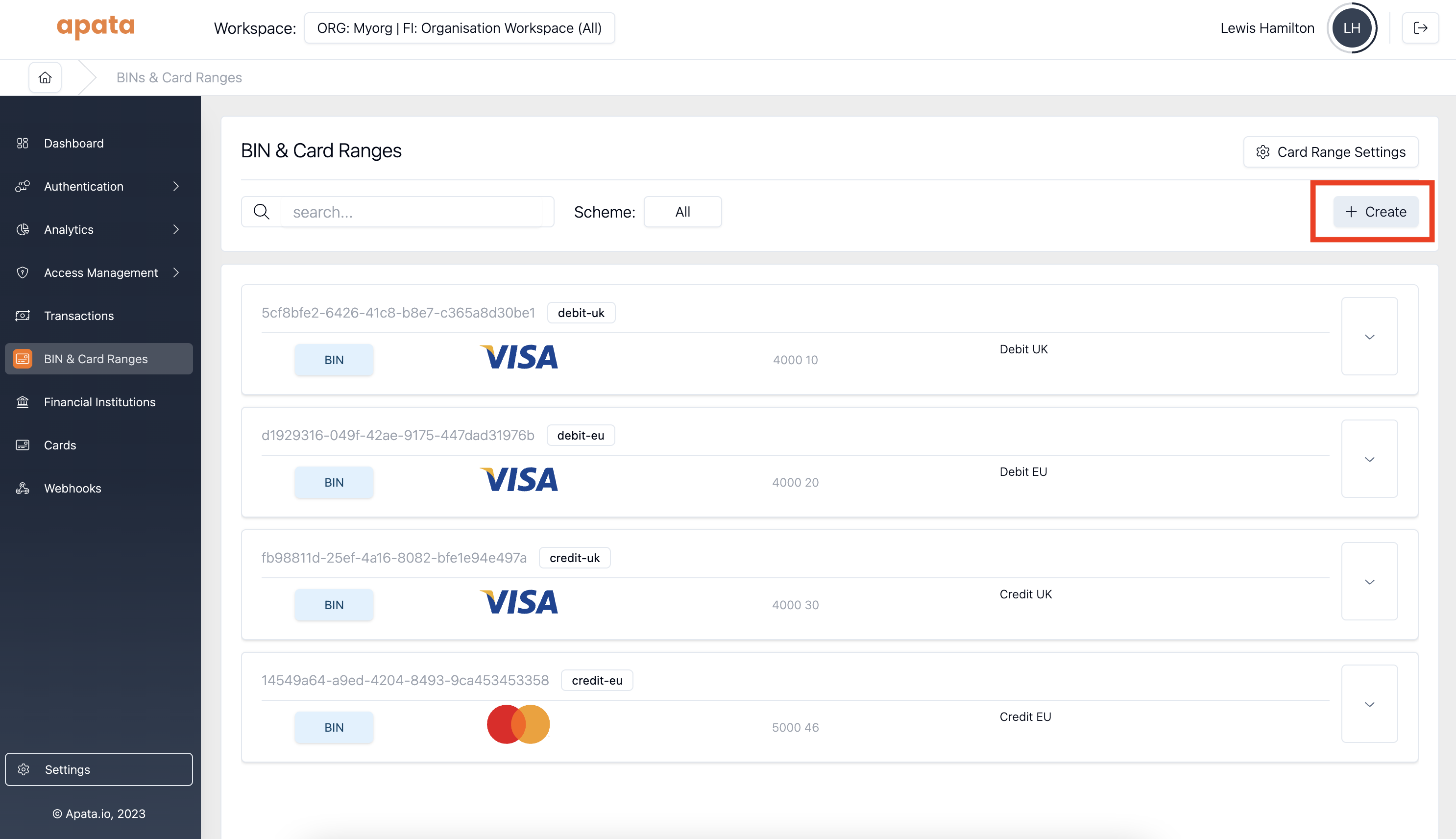
- Click + Create in the top right corner
BIN Configuration
Alias & Description
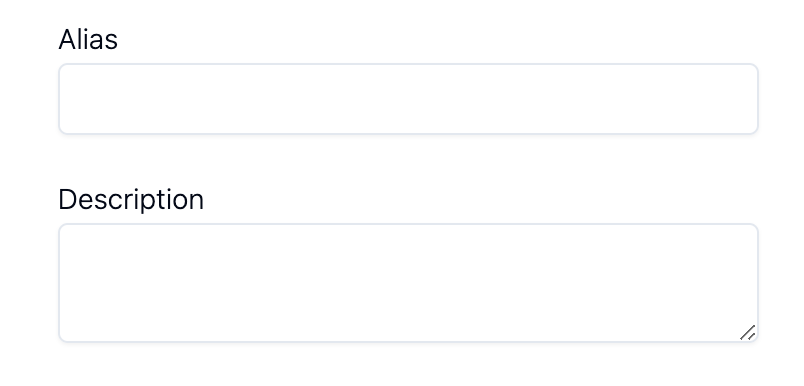
Fields to help identify the BIN. Use these for internal reference.
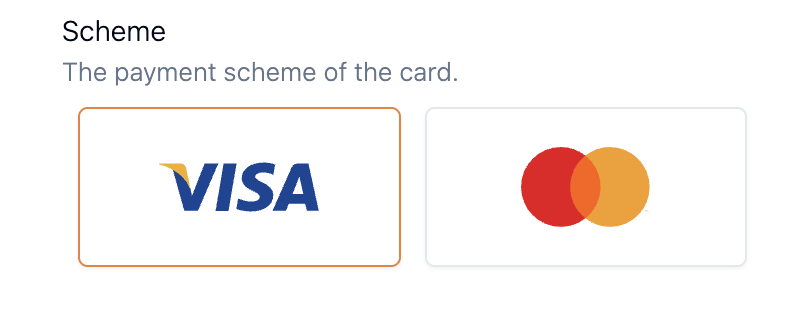
Scheme Selection (Required)
BIN or Card Range Values (Required)
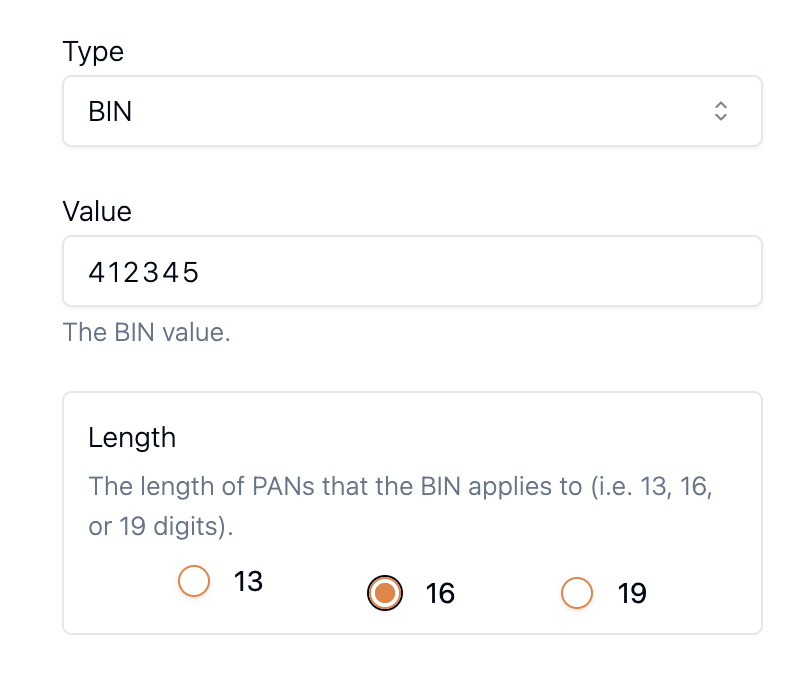
| Field | Description |
|---|---|
| Value | The BIN value (first 6 or 8 digits of the card number) |
| Length | Total number of digits in the PAN, including the BIN |
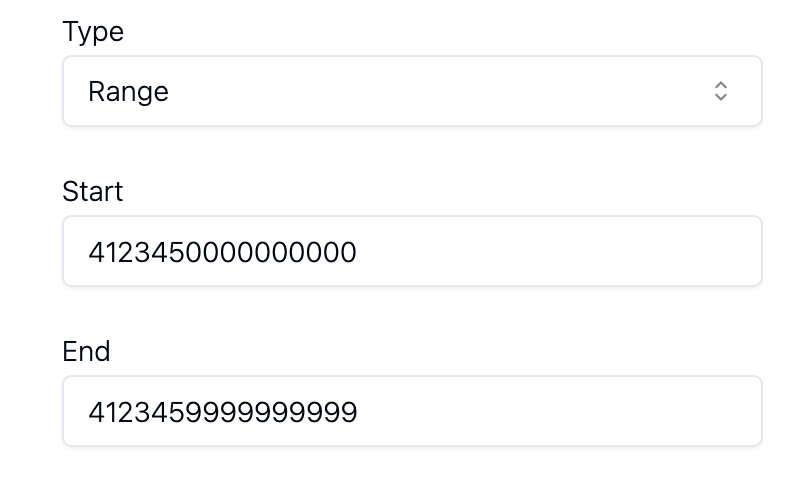
| Field | Description |
|---|---|
| Start | First card number in the range (inclusive) |
| End | Last card number in the range (inclusive) |
Example: If start is 4123 4500 0000 0000 and end is 4123 4500 0000 0003, the range includes:
4123 4500 0000 00004123 4500 0000 00014123 4500 0000 00024123 4500 0000 0003
Authentication Value (Cryptogram) Settings
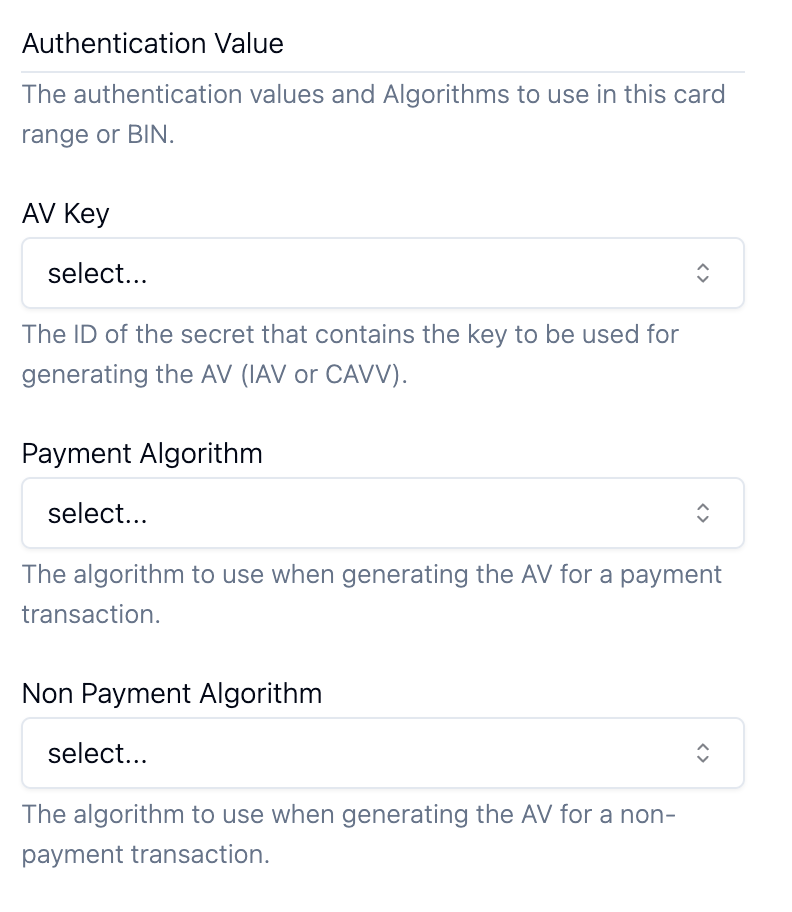
Financial Institution Access
Determines which Financial Institutions can access the BIN.
When an FI has access to a BIN, it may:
- Enrol cards in the BIN
- Process transactions using cards in the BIN
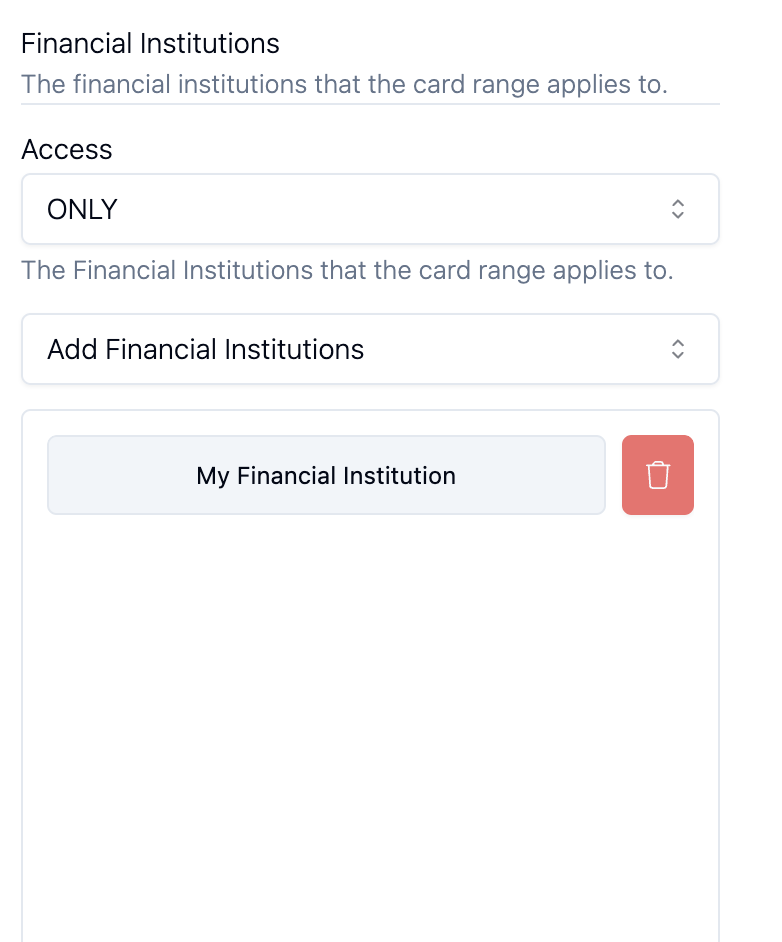
Set access to ONLY to restrict the BIN to selected Financial Institutions.
- Click Add Financial Institutions to add FIs from the dropdown.
- Click the 🗑️ icon to remove an FI from the list.
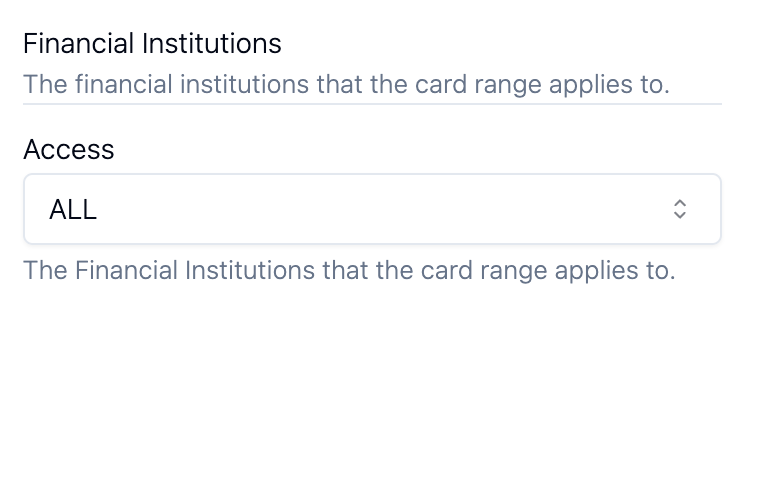
Set access to ALL to make the BIN available to all Financial Institutions in the organisation.
Apata validates card enrolment against all BINs in the organisation. However, if a card is enrolled as a hash or Card Link is used, validation only occurs at transaction time.
Editing a BIN
Warning: Apata cannot validate changes to BIN or Card Range values since PANs are not stored in clear text. Changing values may orphan enrolled PANs, causing transactions to fail. Ensure changes are valid.
- Expand the BIN by clicking the 🔽 icon

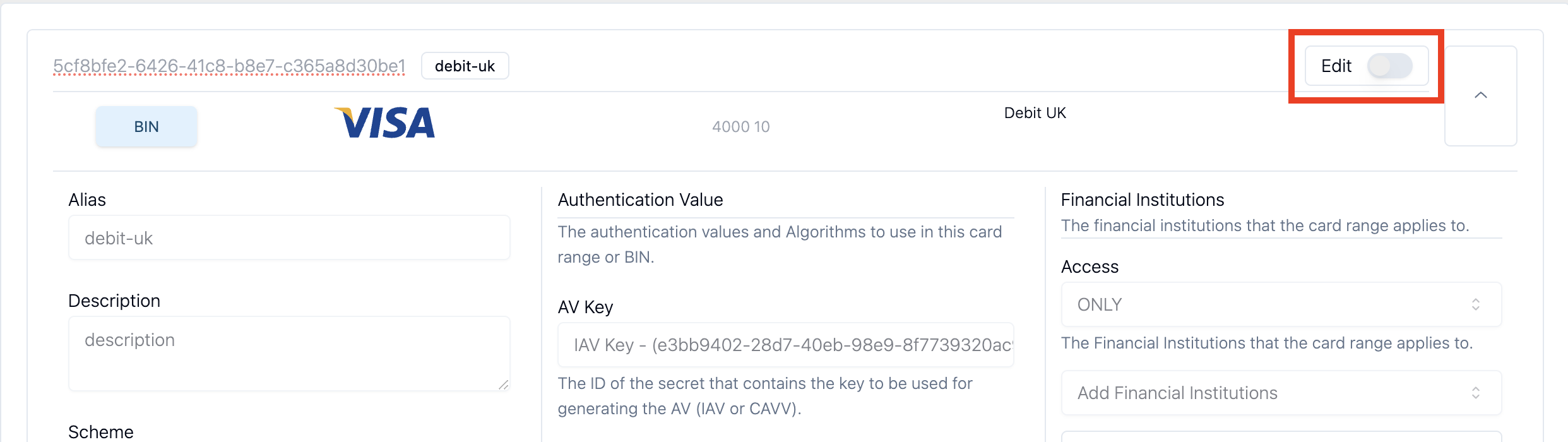
- Toggle Edit to ON
-
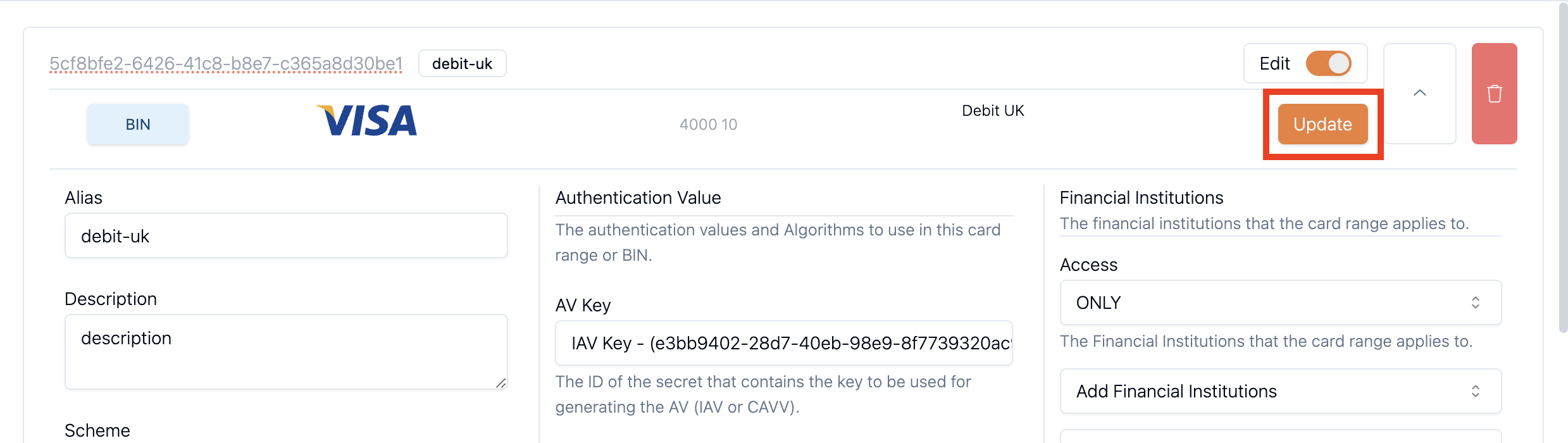
Edit the fields you wish to change
-
Click Update
Removing a BIN
Warning: Deleting a BIN may orphan enrolled PANs, causing transactions to fail. Ensure no active cards depend on the BIN before removing.
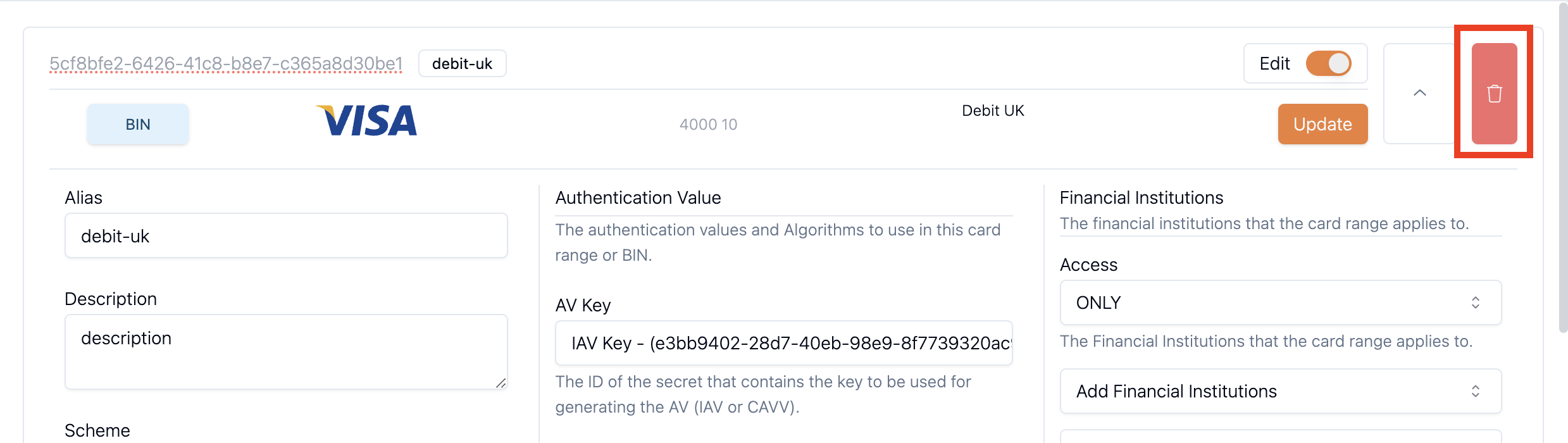
- Expand the BIN by clicking the 🔽 icon

- Toggle Edit to ON
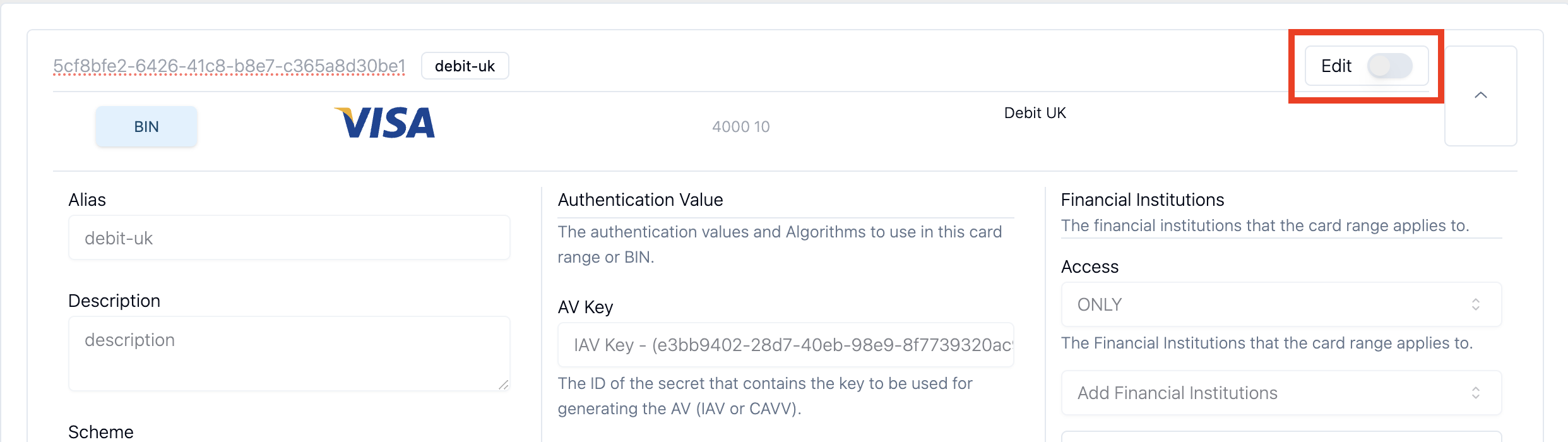
- Click the 🗑️ icon next to the 🔼 icon
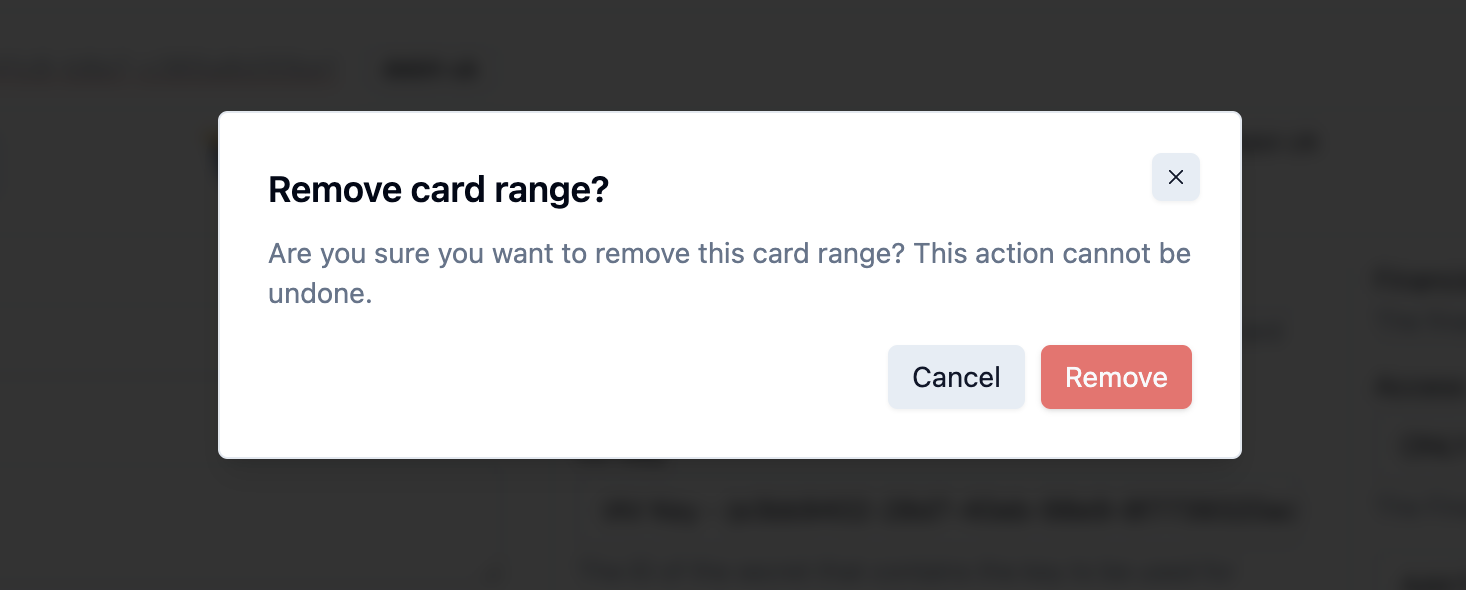
- Click Remove in the confirmation dialogue
Related Topics
- BIN – Bank Identification Number definition
- Card Range – Subdivision of a BIN for granular control
- Card Program – Group cards with shared authentication settings
- Financial Institution – Entity that manages cards within an Organisation
Updated 7 months ago